Top of page
 Search
 Quick-keys
 TOC
TOC
 Index
Index



Page Setup (Preset and custom layouts)
Refine your work in Page Setup so your output has a finished look. Center your workspace to the page, reformat the entire score, choose preset margin layouts or customize and apply your own margins.
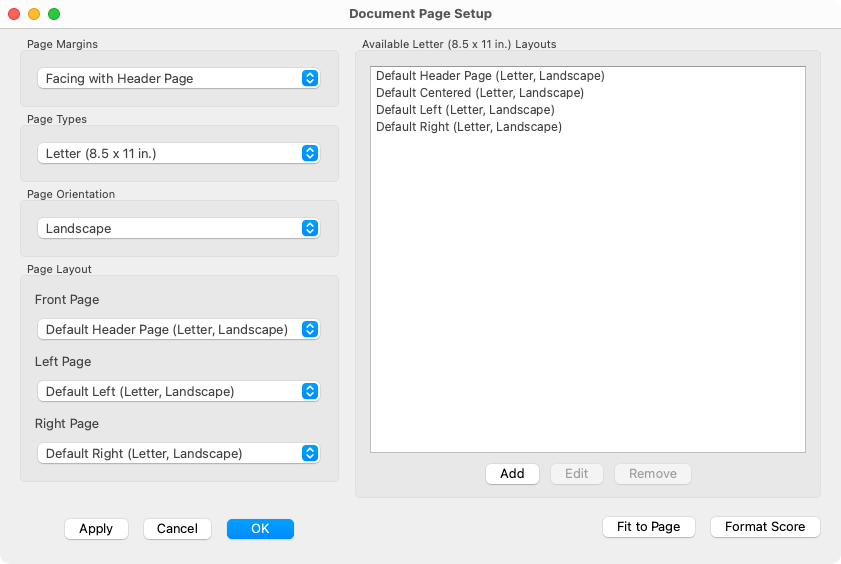
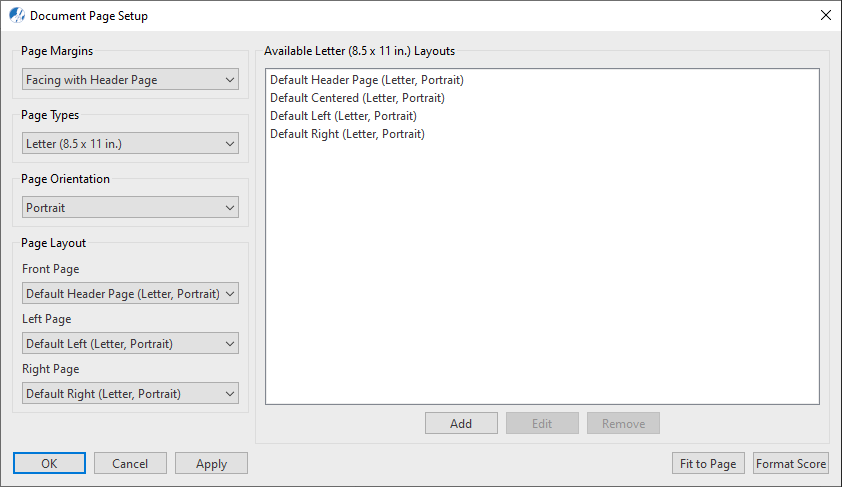

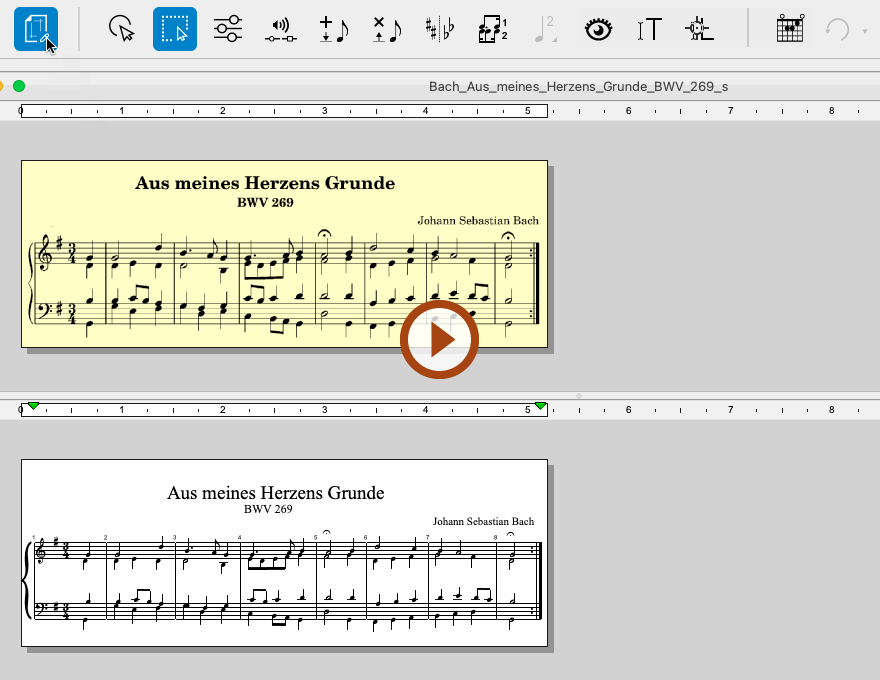
How to get there …
choose .
Page Setup (preset and custom layouts) …
In the Page Margins pull-down selector, change From Recognition to Center on Page. This will automatically apply the default (print) page and margin settings to all your pages.
If you wish, you can create your own custom margin preset, change Page Margins to Loose Leaf. In the Page Type pull-down, select Custom. Below the pre-defined Layout window, push Add. In this dialog, you can setup your own custom page margins then name. Push OK when done. To recall any saved custom pages layouts, select Page Type > Custom. All preset Custom page layouts will appear in the Custom Layouts display.
Page Orientation: Re-orient your vertically-formatted score into the familiar "horizontal" format. Or just the reverse, re-orient your horizontally-formatted score to fit standard letter-sized pages.
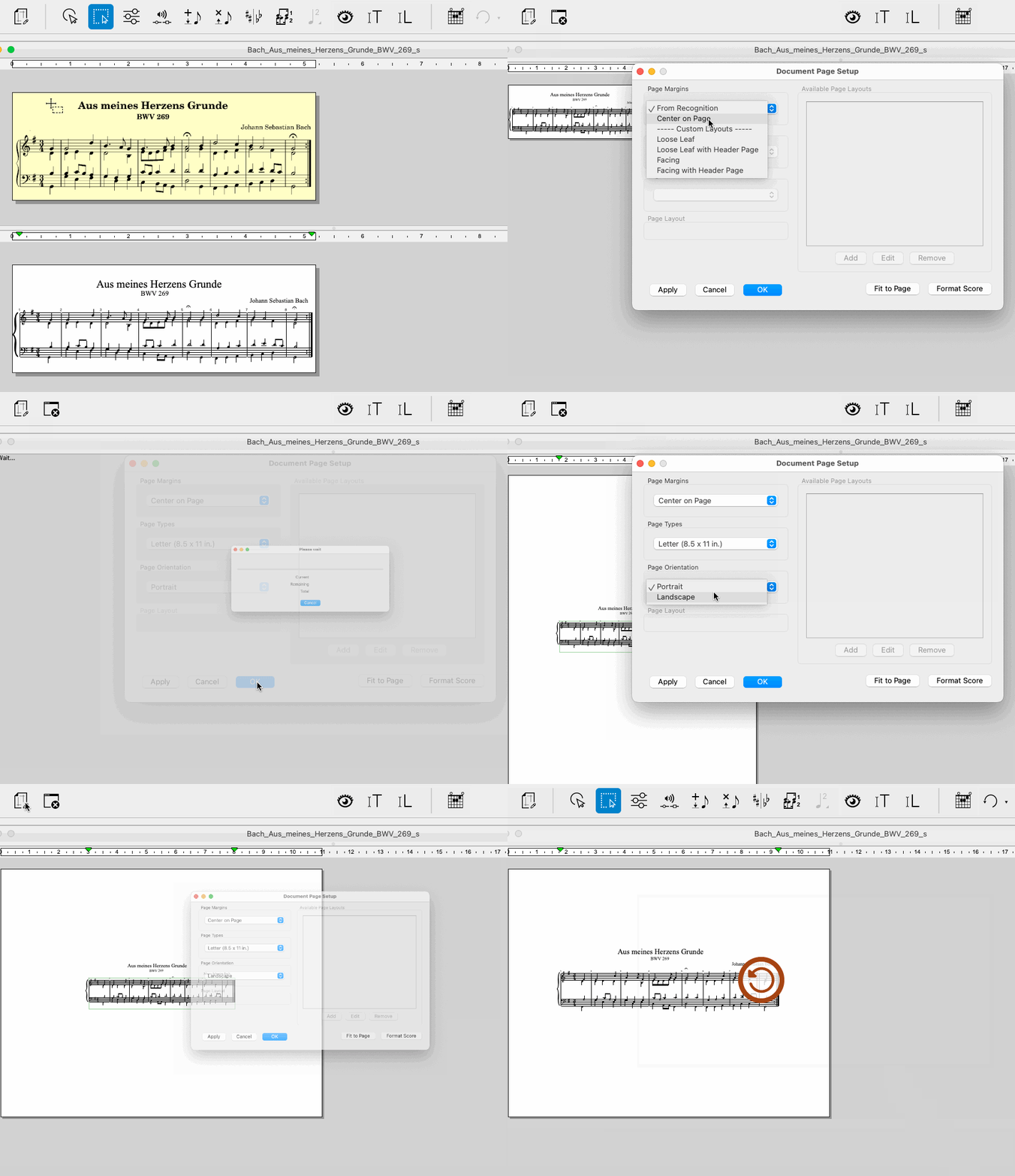
Animation (0:40) - Changing Page Orientation from Portrait to Landscape
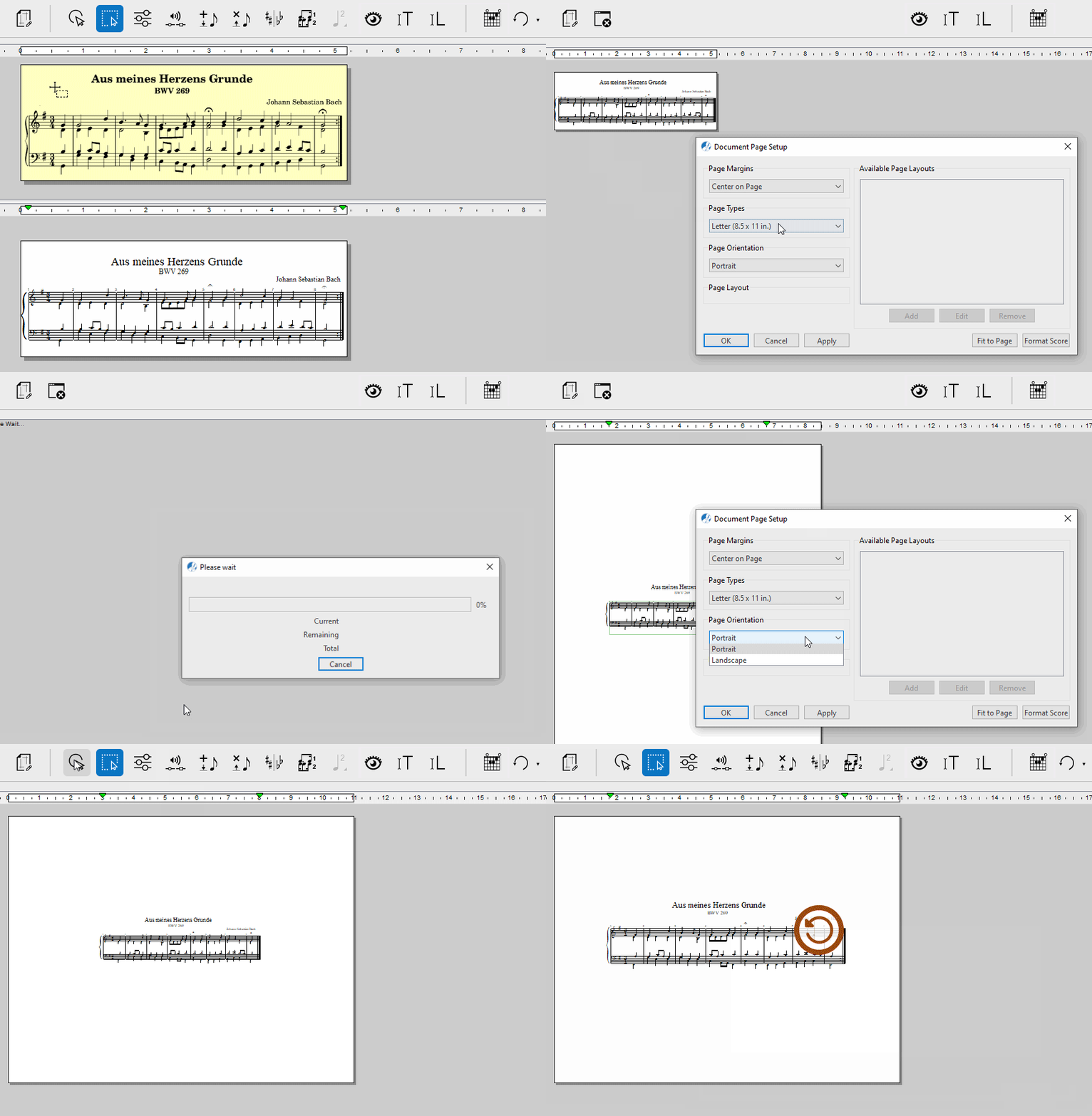
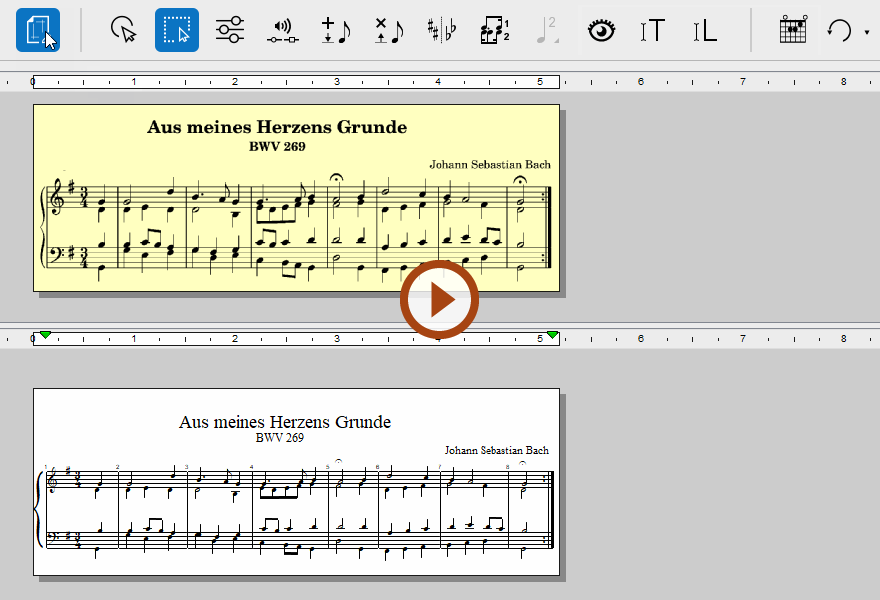
Animation (0:38) - Changing Page Orientation from Portrait to Landscape

SEE ALSO…
For more info about layout, reformatting and resizing scores, see Reformatting score (Fit to Page).
Next page ➜
Reformatting score (Fit to Page)See also ⚆⚆
Page Setup (Overview)Navigation ⚐
TOCIndexKeyword searchQuick-keysHomeWindows help