Top of page
 Search
 Quick-keys
 TOC
TOC
 Index
Index



Copy and cut individual objects
To copy or cut, use the Selector Tool  (the
(the  key) then drag the bounding box so it encompasses and highlights one or more symbols. The Copy (
 +
+  ) or Cut ( +
  ) command will store selected objects to clipboard memory.

Note about Barlines …
Barlines are a special symbol. They cannot be copied or pasted. See also: Barline / measure attributes.


How it works …
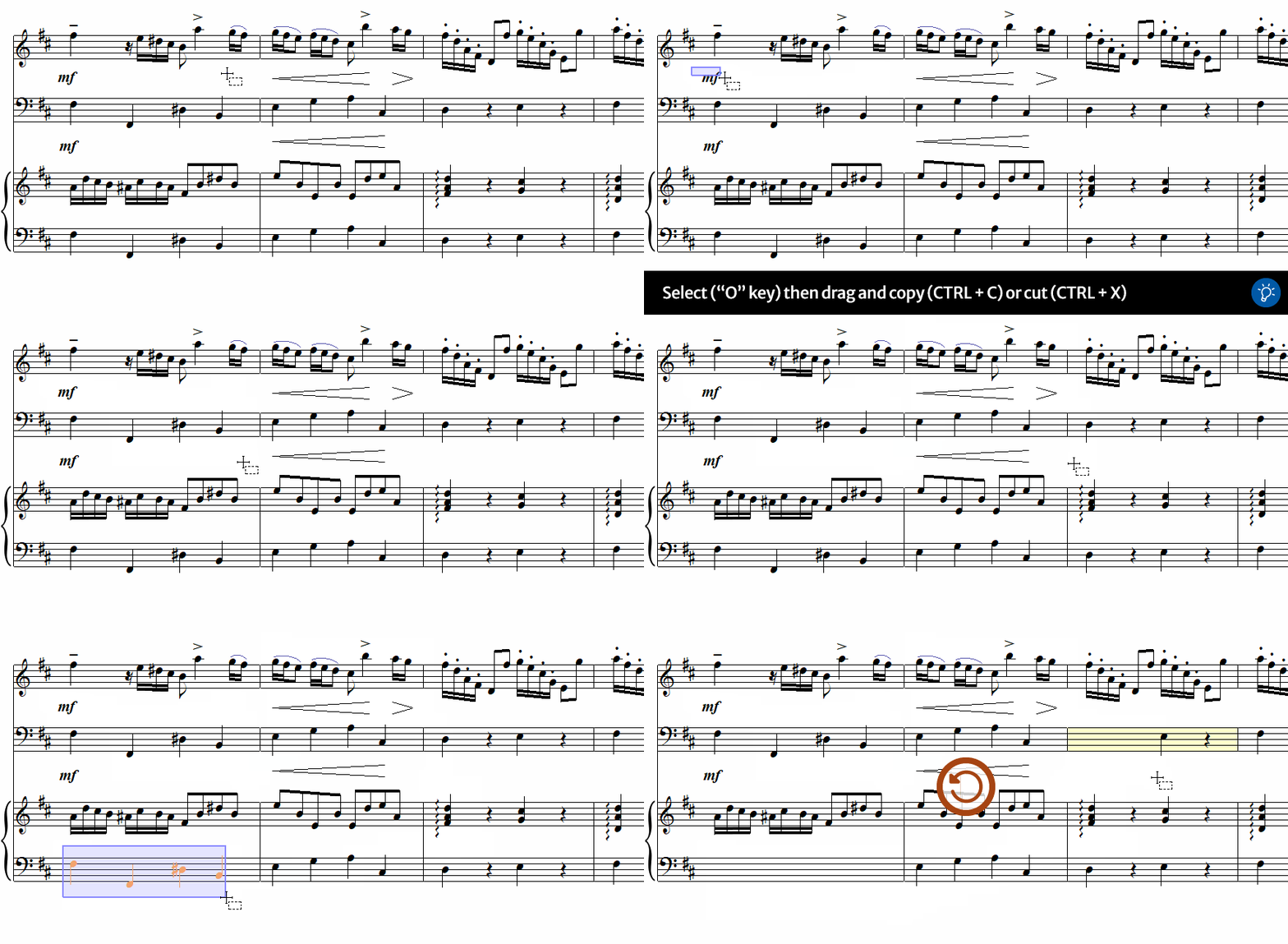
1
Activate the Select tool from the toolbar or simply hit the key.2
Click and drag a frame around the elements or notes you want to copy or cut. Selected object will become highlighted.3
+ copies the selected objects. + cuts them out.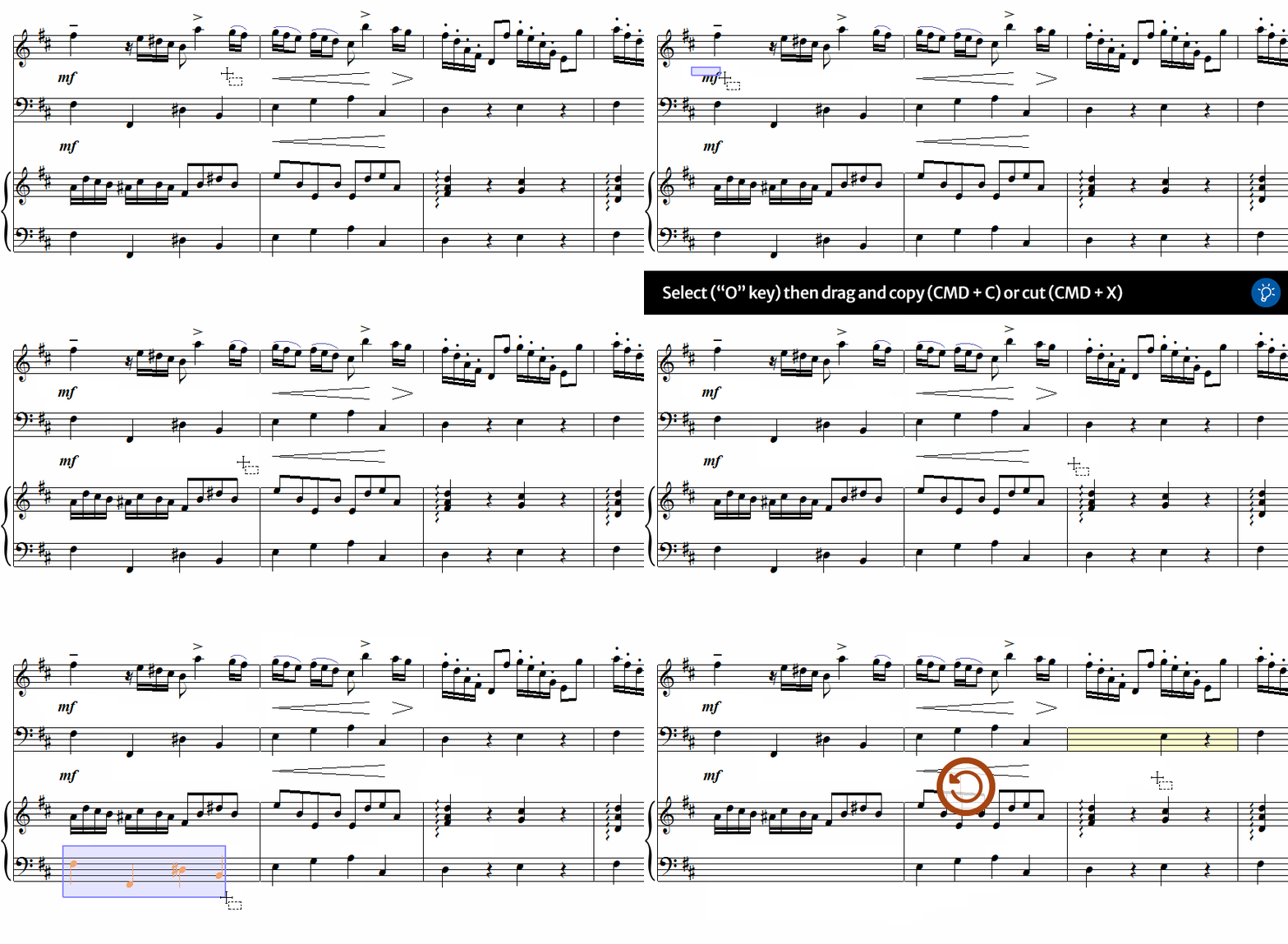
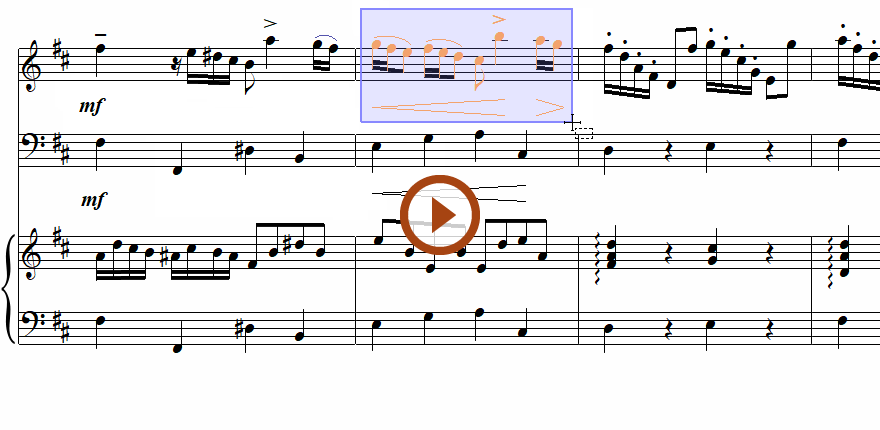
Animation (0:37) - Copy and cut individual objects
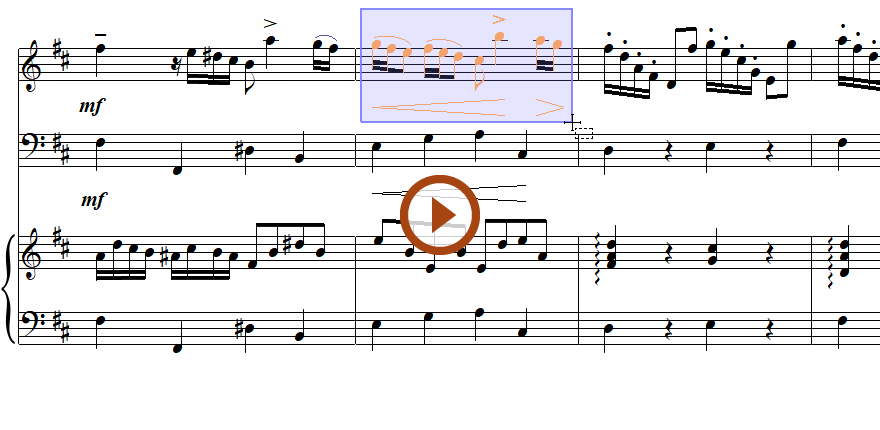
Animation (0:37) - Copy and cut individual objects
Next page ➜
Copy and cut measures or sectionsSee also ⚆⚆
Selecting symbols (Overview)Notation Editing (Overview)Copy, Cut and Paste (Overview)Navigation ⚐
TOCIndexKeyword searchQuick-keysHomeMacintosh help